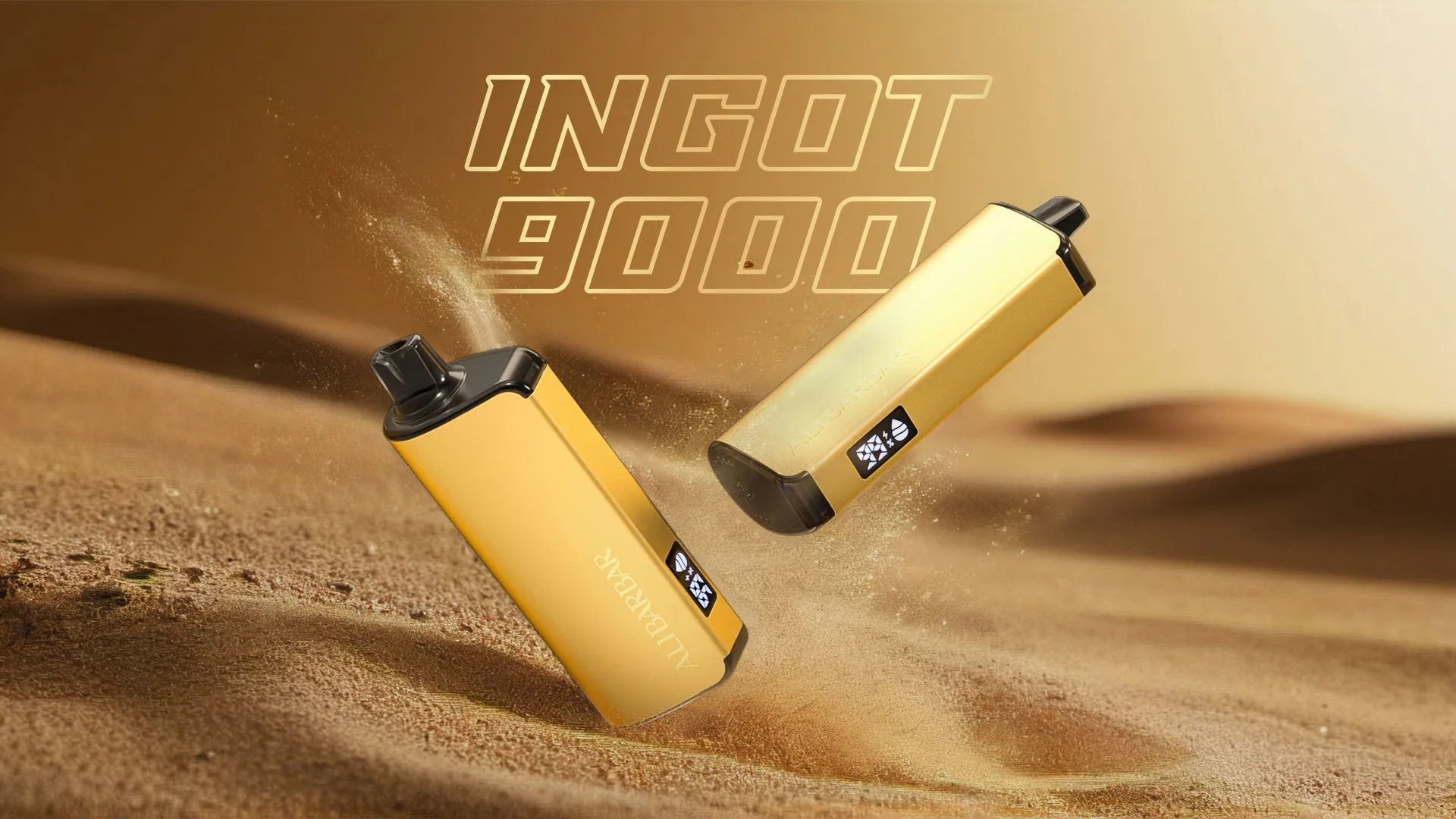
Sealed ALIBARBAR package with model and batch fields

PRODUCT PACKAGING CHECK

How to check ALIBARBAR packaging and batch details

BEFORE OPENING

Capture the fields that identify the exact item.

Use clear, uncropped photos and retain the sealed product and order reference. Do not publish an unused security code or unnecessary personal information.

  1. 01

    Packaging identity

    Record the front, back and sealed edges. Capture the exact brand, series, flavour or selected variant, sale unit and printed artwork.

  2. 02

    Device identity

    Record the product name, colour, visible controls and markings on the device. A fruit background or generic range image is not enough to identify a selected flavour.

  3. 03

    Security information

    Record the location and condition of any scratch panel, security label, QR code or verification field. Use the manufacturer route where a usable code is present.

  4. 04

    Batch or production fields

    Capture any batch, lot, production-date or related traceability field exactly as printed. Do not infer a batch from artwork alone.

  5. 05

    Transaction context

    Keep the order reference, exact product line and date together with the photos. Remove addresses, payment details and unrelated identity information before sharing evidence.

PRESERVE THE EVIDENCE

Keep the item and record together.

  • Keep the packaging and device until support gives written instructions.
  • Store original photos without filters or text overlays.
  • Record differences between the listing, package and device in plain language.
  • Do not scratch or publish a security code unless the manufacturer process requires it.

CONTACT SUPPORT WHEN

A field is missing, damaged or does not match.

  • The series, flavour or SKU differs from the ordered product.
  • The security field is missing, damaged or cannot be used as instructed.
  • The batch field is unclear or conflicts with supplied documentation.
  • The item is damaged, leaking, unusually hot or otherwise reported as faulty.
Send a structured report →

MANUFACTURER VERIFICATION

Use the official route for a security-code check.

This site does not issue or validate ALIBARBAR security codes. A result applies only to the code entered and does not replace checking the exact product, packaging and transaction record.

Open manufacturer verification →Report a mismatch →